App Design
App design for web apps, mobile flows, dashboards, and product tools.
App design for web app interfaces, mobile app flows, dashboards, prototype screens, and products that need clear interaction.
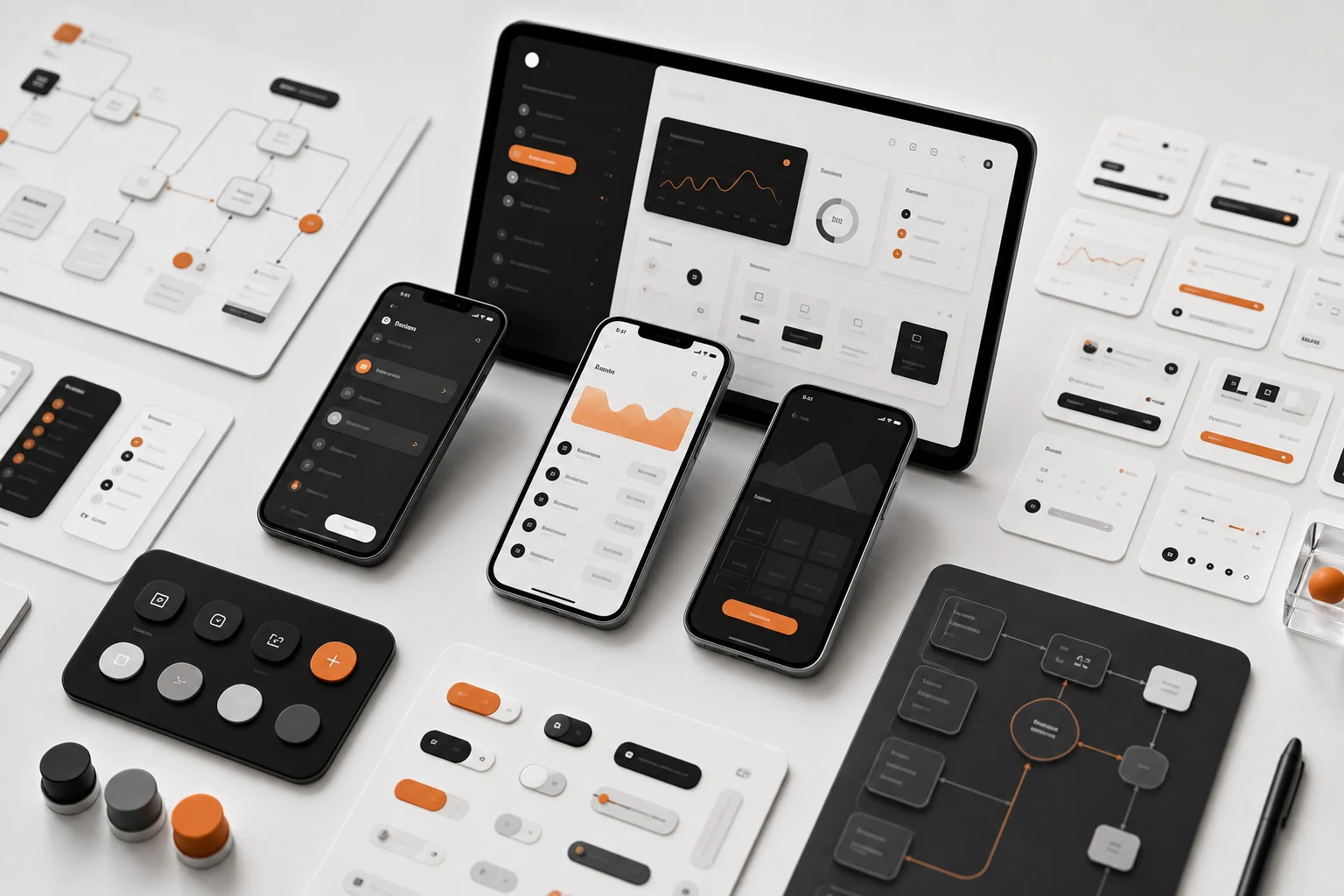
App design is about the surfaces people use repeatedly. It needs more than a polished first screen. Navigation, forms, dashboards, empty states, errors, settings, mobile behavior, and handoff details all shape whether the product feels dependable.
Super Rad designs app interfaces for SaaS tools, dashboards, product prototypes, internal systems, ecommerce workflows, and mobile-first products. The work focuses on clear interaction and practical implementation instead of decorative mockups.
Designed For Real Workflows
The goal is to make the product understandable in use. That means screen hierarchy, state design, responsive behavior, and product logic get considered together.
Service workshop
Design the app states people will use every day.
A useful app surface handles navigation, density, empty states, progress, errors, and repeated actions.
Navigation
Define how users move through the product without losing context.
States
Design default, active, loading, empty, error, and success states before development fills the gaps.
Density
Balance scanability with the information and controls users need for repeated work.
Prototype
Create a testable interface model that can guide product development.
Common questions
Can app design cover both web and mobile?
Yes. App design can cover browser-based products, responsive dashboards, and mobile app flows depending on the project.
Does Super Rad build apps after design?
Yes. App design can move into product development when the scope calls for a working product.