Motion Design
Motion design for websites, product launches, and interactive systems.
Motion design for web experiences, product launches, interactive pages, configurators, brand systems, and campaign assets.
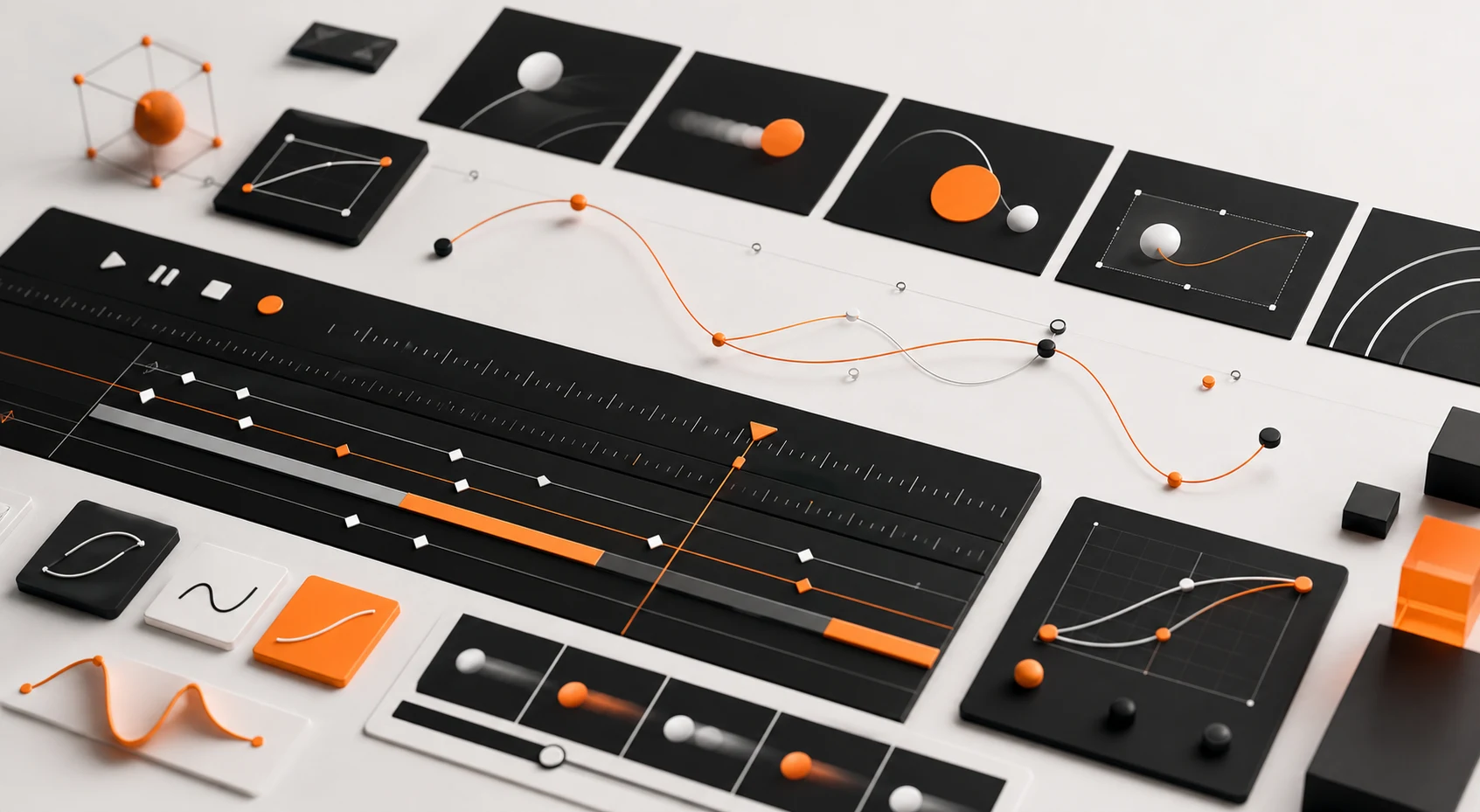
Motion design should make a site easier to read, not harder to use. The right animation can show hierarchy, explain change, add momentum to a launch, or make a product interaction feel more tactile.
Super Rad builds motion into web interfaces, product configurators, interactive demos, and campaign assets. That includes scroll behavior, hover states, transitions, loading states, 3D camera movement, and animated launch creative when a project needs a broader rollout.
The work stays practical. Motion needs to respect reduced-motion settings, mobile performance, and the copy people came to read.
Where Motion Helps
Motion is strongest in product explainers, interactive web pages, configurators, onboarding flows, and premium marketing sites where the experience has to feel considered without becoming decorative noise.
Service workshop
Choose motion that explains the interface.
The motion system should support the message and respect the device, viewport, and user's motion preference.
Hierarchy
Use motion to guide attention between sections, states, and primary actions.
State
Make changes legible through transitions, loading behavior, hover states, and selected states.
Launch
Extend key motion ideas into short campaign assets when the rollout needs them.
Restraint
Keep animation GPU-friendly and provide reduced-motion behavior where needed.
Common questions
Is motion built into the site or delivered as separate assets?
It can be either. Super Rad can build motion directly into the interface and also create launch assets when the campaign needs them.
How do you keep motion from hurting performance?
Motion is planned around CSS, GPU-friendly transforms, reduced-motion preferences, and selective hydration instead of animating everything.